Starting gig driving is easier when you separate three decisions: whether you qualify, whether the work is profitable, and whether your records are good enough for taxes and disputes.
Quick answer
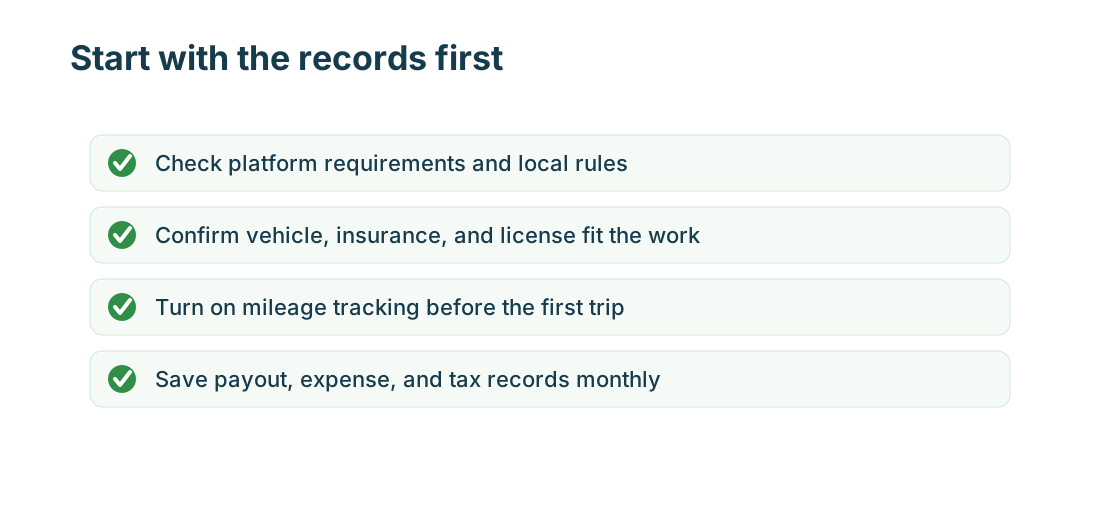
Before your first shift, confirm platform requirements, insurance, vehicle rules, background checks, tax forms, payout setup, and mileage tracking. Start tracking miles before the first accepted order or ride. The worst setup mistake is waiting until tax season to reconstruct income, trips, and expenses from screenshots.
What to track
Track:
- platform approval status and required documents
- income, tips, incentives, fees, refunds, and adjustments
- miles by platform, vehicle, date, and business purpose
- expenses such as fuel, charging, tolls, parking, phone, bags, supplies, inspections, and insurance
- support messages, background-check notices, accidents, claims, and deactivation warnings
What usually belongs
Business mileage usually includes driving for accepted rides, deliveries, pickups, drop-offs, between-order routing, shopping trips, returns, required supply runs, inspections, and platform support tasks. For hosts and service pros, it can include property visits, estimates, and supply runs. The trip should have a business purpose and a platform or customer link.
What usually does not count
Personal errands, ordinary commuting with no business stop, family trips, lunch runs, vacations, and unsupported estimates are weak records. If a trip mixes work and personal stops, split it while the route is fresh.
United States
US drivers should expect self-employed or contractor-style records for many gig platforms unless their specific legal situation says otherwise. For 2026, the IRS business standard mileage rate is 72.5 cents per mile. Drivers still need a mileage log, and tax forms may not show every deductible expense.
What the IRS wants to see
For vehicle records, keep date, mileage, destination or route, business purpose, and vehicle. For income, keep platform summaries and bank deposits. For expenses, keep receipts and business-purpose notes. If you use actual vehicle expenses instead of standard mileage, total vehicle miles and business miles become especially important.
Canada
Canadian drivers should keep total kilometres, business kilometres, receipts, platform statements, and GST/HST context if relevant. The CRA expects records that show date, destination, purpose, and kilometres for business trips.
Europe
European drivers should check country-specific rules for platform work, VAT, invoices, social contributions, vehicle expenses, and worker status. Some platforms operate differently by country, so do not rely on a US onboarding article for European work.
Workflow
First day: install tracking, create platform tags, save onboarding screenshots, and record starting odometer if needed. First week: review trips daily and save receipts. First month: compare gross pay with net profit after miles, fuel, fees, and supplies. First tax season: download every platform statement before filing.
Common mistakes
- applying to every platform before checking insurance and vehicle rules
- driving without automatic mileage tracking
- treating gross pay as profit
- ignoring background-check and document renewal emails
- not saving platform statements and annual tax forms
- mixing personal miles with app miles
- forgetting return trips and shopping mileage
Quick checklist
- Confirm age, license, vehicle, background check, and insurance requirements.
- Set up bank and tax information.
- Create mileage tags for each platform.
- Save receipts from day one.
- Review pay after mileage, fuel, fees, and taxes.
- Download statements monthly.
Business-purpose notes
Short notes prevent confusion later. Use labels like Uber airport pickup, DoorDash grocery return, Instacart supply run, Amazon Flex block, Lyft inspection, or Walmart Spark delivery route. A precise note is stronger than a generic business tag.
Requirements before applying
Check age, driver license, vehicle, insurance, background check, work authorization, region availability, inspection, and tax information before applying. Some platforms approve quickly; others require document review, background screening, local rules, or vehicle inspection. Save the version of the requirement page you used, because requirements can vary by market.
Insurance before driving
Personal auto policies often treat commercial or app-based driving differently. Rideshare, delivery, and local service work can have different coverage gaps. Save your policy, platform coverage summary, and any rideshare or delivery endorsement. If you cannot explain when personal insurance applies and when platform coverage applies, do not start driving until you review it.
First-week setup
During the first week, use conservative offers and short routes while testing the app. Save every receipt and screenshot unusual pay, cancellation, return, or support issues. At the end of the week, review pay by hour and by mile. If the records are messy after one week, fix the workflow before scaling up.
Tax cash habit
Gig platforms usually do not withhold taxes for contractor-style work. Set aside a percentage of profit, not gross pay, and revisit it monthly. Exact percentages depend on your country, income, deductions, and other work, so use records early and ask a tax professional when needed.
First-month review
After the first month, decide with records instead of impressions. Review total hours, gross pay, deposits, business miles, fuel or charging, repairs, supplies, parking, tolls, and tax cash set aside. If the platform only looks good before expenses, change the schedule or try a different platform before buying equipment or changing vehicles.
MyCarTracks workflow
Set up MyCarTracks before your first trip. Create separate tags for each platform and review the first week closely so app switching, personal stops, and unpaid miles are not mixed together.

Final review
Starting slowly is useful because it tests records as well as pay.
What to read next
- Gig Guides: Taxes, Mileage, and Platform Guides for Gig Workers
- Gig Mileage Tracking Guide for the US, Canada, and Europe
- Gig Work Tax Guide for the US, Canada, and Europe
- How to Track Income and Expenses Across Multiple Gig Apps
- Gig Platform Availability in the US, Canada, and Europe