Gig Guides is the starting point for drivers, shoppers, couriers, hosts, caregivers, and local service pros who need practical answers about mileage, taxes, platform requirements, pay, and records.
Quick answer
Start with the work you do, then build records around money, miles, expenses, and documents. A rideshare driver needs trip and insurance records. A delivery driver needs pickup, return, and supply records. An Airbnb host needs reservation, property, cleaning, and local-tax records. A Thumbtack pro needs lead-cost, quote, job, and license records. The platform changes the details, but the record habit is the same: capture the proof while the work is happening.
Who this guide is for
This hub is for gig workers who use one or more platforms and want a single path into the right article:
- Uber and Lyft drivers
- Uber Eats, DoorDash, Amazon Flex, and Walmart Spark delivery drivers
- Instacart and Shipt shoppers
- Airbnb hosts
- Wag caregivers
- Thumbtack local service pros
- workers who mix platform income with private customers
It is educational, not tax, legal, employment, licensing, or insurance advice. Rules change by platform and region, so confirm current requirements before relying on them.
Core guide areas
Use the hub this way:
- Platform guides explain requirements, pay, mileage, tax forms, deductions, and local records by company.
- Mileage guides explain what to track, what usually counts, what usually does not count, and how to export logs.
- Tax guides explain income, forms, deductions, quarterly payments, and regional filing concepts.
- Setup guides explain vehicle choice, app setup, independent contractor status, and multi-app records.
- Regional guides explain why US, Canada, and Europe cannot be treated as one rule set.
Platform badges
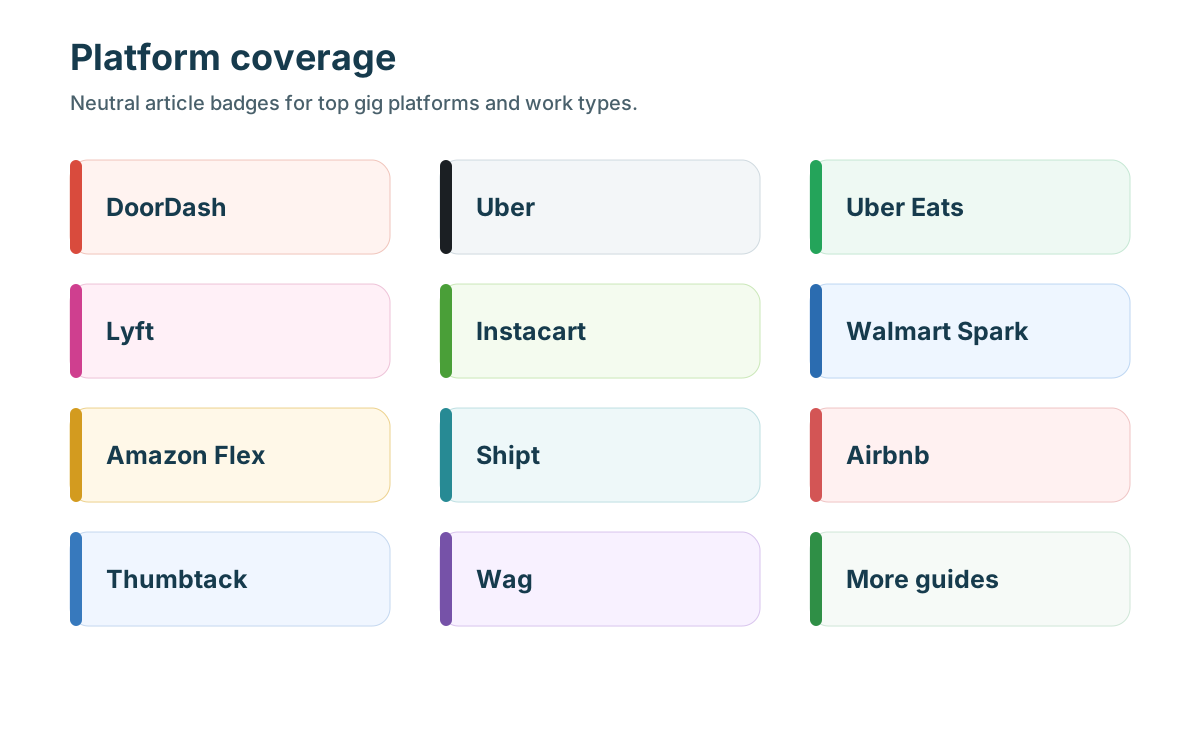
Each platform has its own article group because platform details matter. Uber and Lyft have rideshare insurance phases and passenger-trip records. Delivery apps have pickup, delivery, return, and shopping records. Airbnb is a property and reservation business. Thumbtack is a lead-cost and local-services business. Tags still help navigation, but the platform pages should remain separate.
What to track
Track five things from the first day:
- income: payouts, tips, bonuses, fees, refunds, adjustments, direct payments, and bank deposits
- mileage: date, route, distance, vehicle, platform, and business purpose
- expenses: receipts, invoices, subscriptions, supplies, insurance, permits, parking, tolls, and phone costs
- documents: driver license, vehicle registration, insurance, inspections, background checks, tax forms, permits, and local approvals
- messages: support cases, deactivation notices, refund disputes, guest or customer complaints, and corrections
What usually belongs
Business records usually include trips or costs connected to accepted orders, passenger rides, delivery routes, shopping trips, supply runs, property visits, service estimates, repair visits, local permits, support tasks, and platform-required documents. The important test is business purpose. Could you explain why the trip or cost existed without relying on memory?
What usually does not count
Personal errands, commuting with no business stop, family trips, personal vacations, unrelated vehicle costs, untagged mixed-use purchases, and unsupported estimates are weak records. A cost can be common and still need a business-use split.
United States
US gig workers commonly need income records, tax forms, Schedule C-style expense categories where applicable, mileage logs, 1099 reconciliation, and estimated-tax planning. For 2026, the IRS business standard mileage rate is 72.5 cents per mile. The IRS also says 1099-K reporting has reverted to the $20,000 and 200-transaction threshold for third-party settlement organizations, but taxable income can still exist without a form.
What the IRS wants to see
For mileage, keep date, miles, destination or route, business purpose, and vehicle. For expenses, keep receipt, amount, vendor, date, payment method, category, and business reason. For income, keep platform statements and deposits together so gross income, fees, refunds, and net deposits can be reconciled.
Canada
Canadian gig workers should keep platform income records, receipts, total kilometres, business kilometres, GST/HST context when relevant, and business-use percentages for mixed costs. Finance Canada announced 2026 automobile allowance rates of 73 cents per kilometre for the first 5,000 kilometres and 67 cents after that for deductible tax-exempt employee allowances, while self-employed claims still require actual records and local tax treatment.
Europe
European gig workers should keep country-specific records for VAT, invoices, platform reporting, social contributions, worker status, business registration, and vehicle expenses. EU platform-work rules are developing, but tax and registration obligations remain local.
Workflow
Weekly: review trips, split personal stops, attach receipts, and save platform messages. Monthly: export mileage, reconcile payouts to deposits, review expenses, and compare gross pay with profit. Yearly: download tax forms and annual summaries before filing.
Common mistakes
- starting mileage tracking after the first payout
- using only bank deposits as income records
- mixing several platforms under one tag
- forgetting parking, tolls, returns, supply runs, and support trips
- treating tax forms as a full tax return
- ignoring local rules for hosting, service work, rideshare, or delivery
- assuming US rules apply in Canada or Europe
Quick checklist
- Pick the platform group that matches the work.
- Confirm current requirements before applying.
- Start mileage tracking before the first shift or property visit.
- Save income statements and receipts monthly.
- Separate US, Canada, and Europe records.
- Review net profit, not only gross payouts.
- Download annual forms before filing.
How to choose the next article
If you are new, start with requirements and mileage. If you are already earning, start with tax forms, deductions, and multi-app records. If your problem is profit, read pay guides and compare dollars per mile. If your problem is access, read requirements, vehicle, insurance, background-check, local-rule, or license articles.
MyCarTracks workflow
Use MyCarTracks as the mileage layer for the whole Gig Guides system. Create a tag for each platform, review trips weekly, split personal driving, and export reports by vehicle and tax year.

What to read next
- Gig Guides: Taxes, Mileage, and Platform Guides for Gig Workers
- Gig Mileage Tracking Guide for the US, Canada, and Europe
- Gig Work Tax Guide for the US, Canada, and Europe
- How to Track Income and Expenses Across Multiple Gig Apps
- Gig Platform Availability in the US, Canada, and Europe