- Open the MyCarTracks app on your Android device. On the main screen you can see which vehicle is selected:
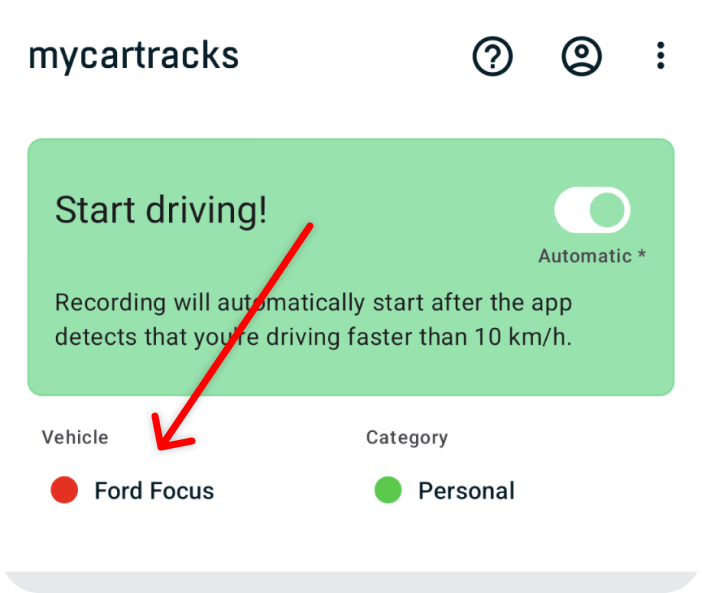
–
2. To select another vehicle touch Vehicles at the bottom or click on the vehicle name.
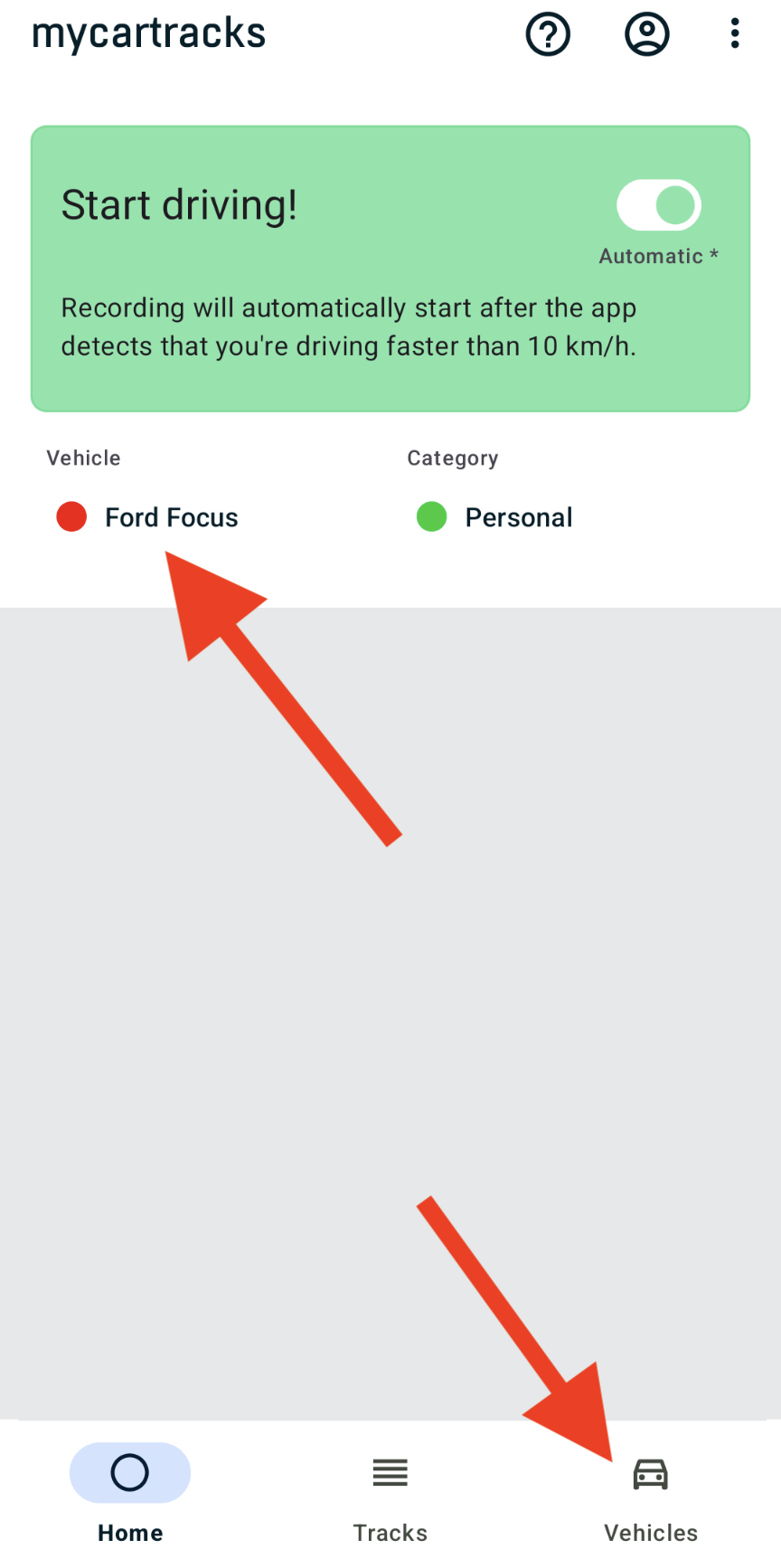
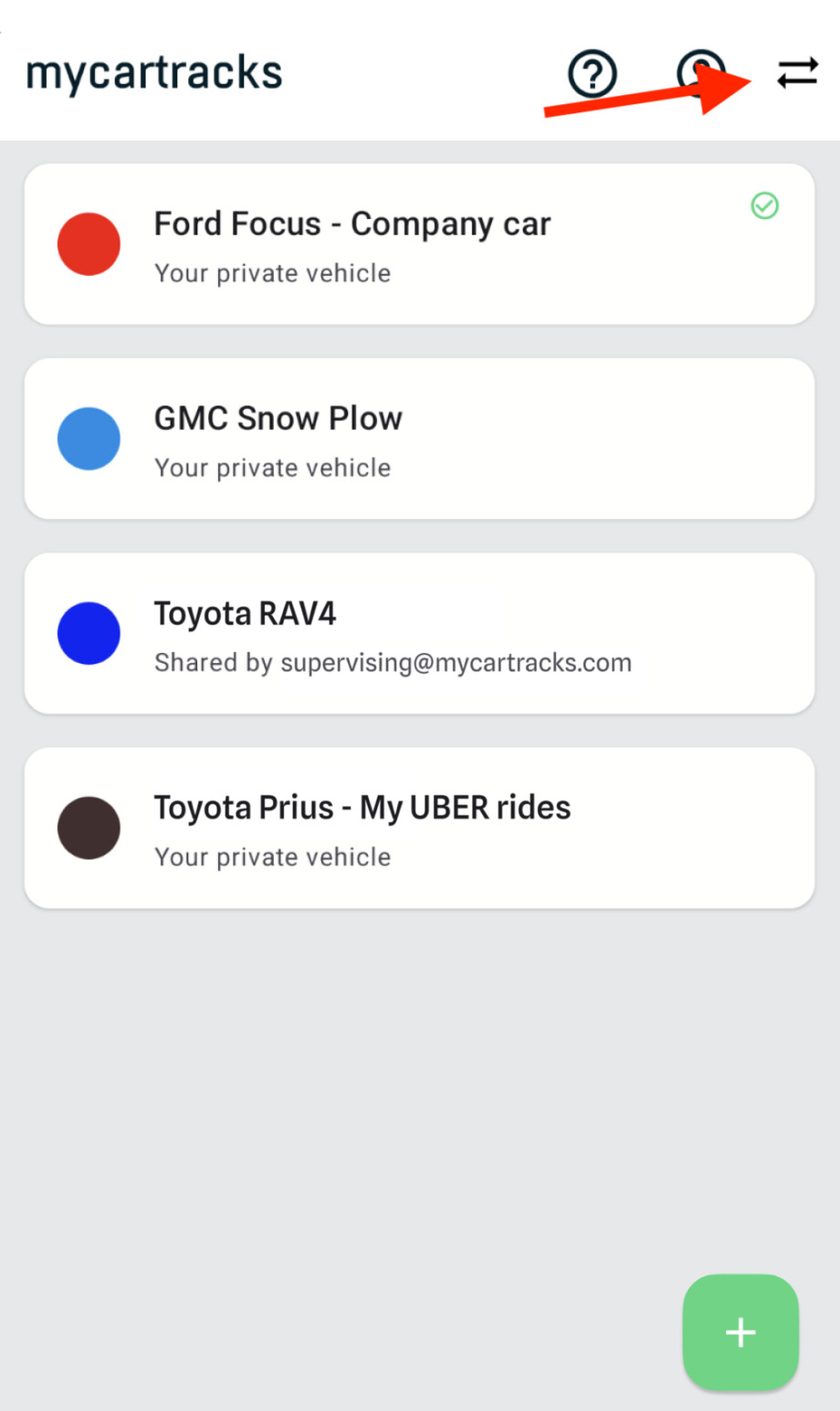
–
3. Now first touch the double arrow on the top right. This will force the app to sync all vehicles. After that touch the vehicle you want to select.