The One UI battery optimization on your Samsung phones or tablets with Android drastically turns off background apps after only 3 minutes in the background. This causes the recording not to work correctly and results in missing tracks. Follow the steps below to fix the issue.
One UI8
- Open your phone’s Settings.
- Tap Apps.
- Find and select the MyCarTracks app.
- Tap Battery.
- Choose Unrestricted.
Android 13
The settings are mostly the same as Android 11 below, with a few changes:
- The Optimize battery usage option no longer exists under Special Access.
- Under Device Care, there is no Automation or Advanced option anymore.
The existing options to change are:
- The per-app setting.
- Adaptive battery.
- Put unused apps to sleep.
Android 11, 12
- Open the Settings menu on your device and go into Apps.
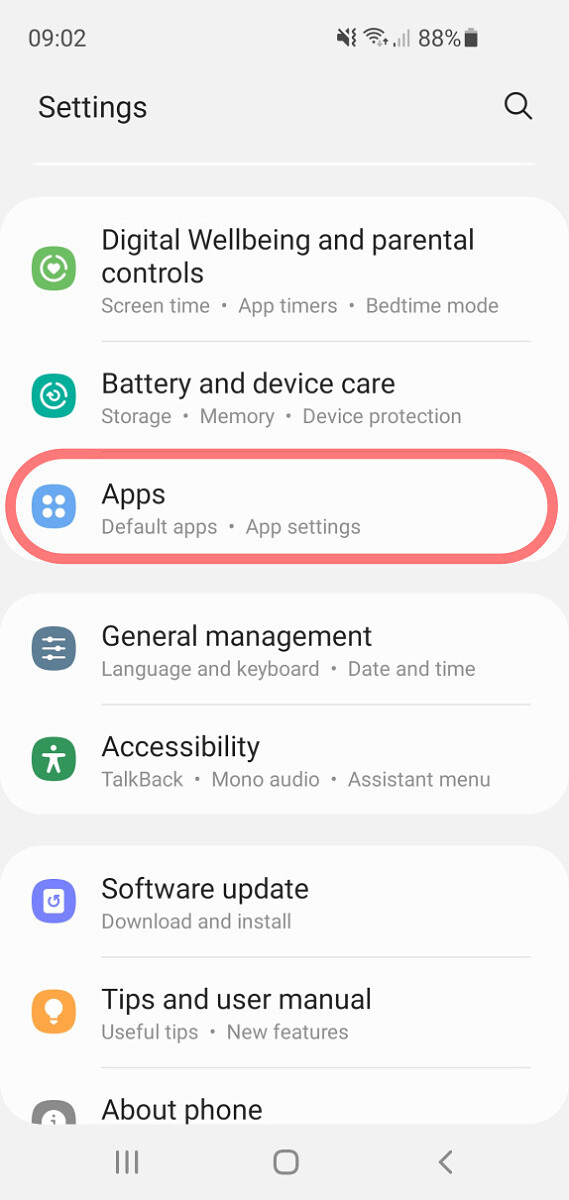
.
2. Here search for MyCarTracks, then Battery and ***Optimize battery usage
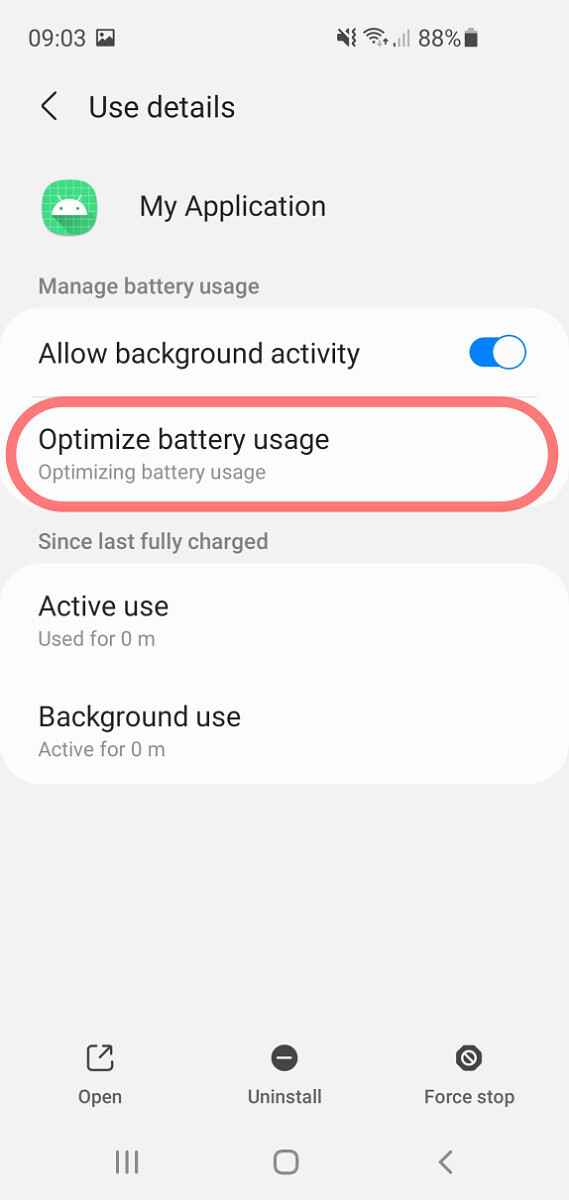
3. Now on the top select All.
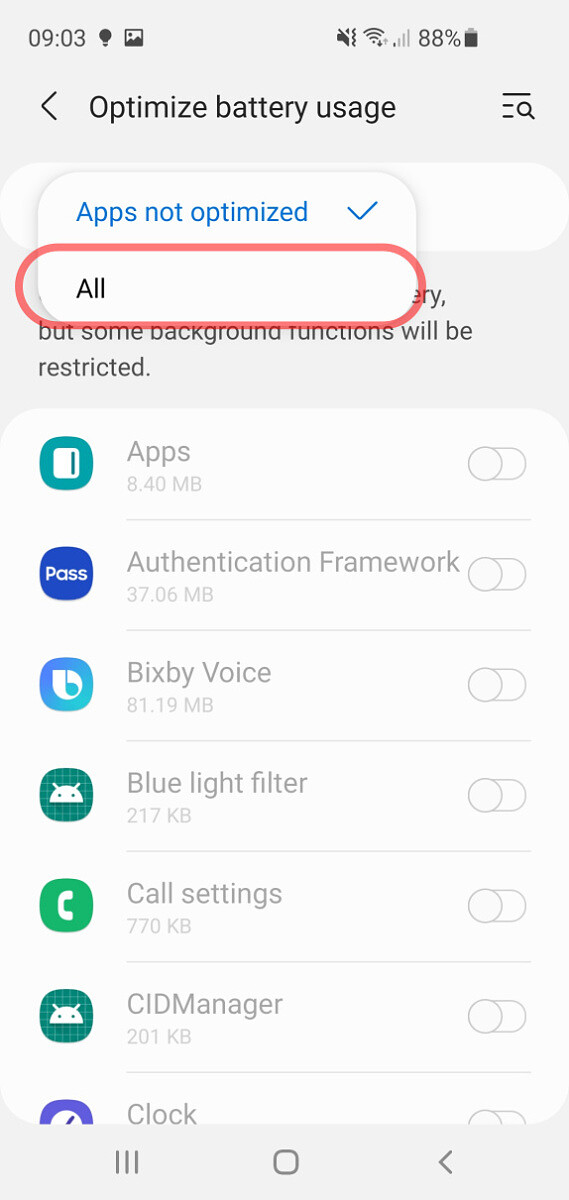
.
4. Now search for MyCarTracks andturn optimization off.
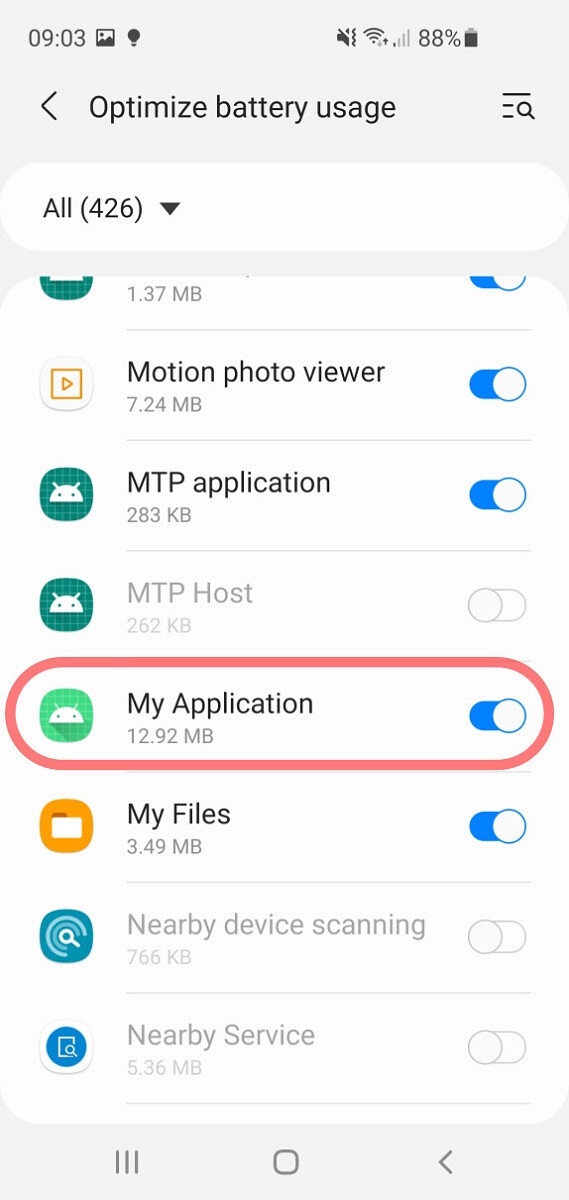
.
Source: How to turn off battery optimisation on the Samsung One UI